

Site-in-6 Bootcamp

By Riley Knox Categories: Web Design
Wishlist Share

About Course

**Launch a polished WordPress site in one week—no coding, not overwhelming.** In this fast-track bootcamp you’ll spend about 60–90 minutes per day completing bite-size tasks that build on each other. By Day 7 you’ll press “Publish” on a real, live website that is secure, branded, and ready for visitors. **What you’ll learn** * Day 1 Pick a niche, register a domain, connect hosting * Day 2 Install WordPress in one click & secure it * Day 3 Choose a lightweight theme and lock in your brand look * Day 4 Build a 3-page foundation (Home, About, Contact) with Elementor * Day 5 Create hero graphics in Canva and optimize images * Day 6 Install Rank Math, write your first blog post, submit a sitemap * Day 7 Connect Google Analytics, run final speed checks, and launch! **Who this course is for** Beginners who want a functional website fast; side-hustlers, bloggers, solopreneurs, or anyone who hates tech jargon. **Prerequisites** • A laptop • Basic internet skills • ~$40 for domain + first month of HostGator (affiliate link provided inside).

Show More

What Will You Learn?

  • Pick a niche and claim a website address
  • Install WordPress and clean up the dashboard
  • Choose a theme and import a starter site
  • Build out essential pages and branding
  • Design your site using Elementor
  • Write a blog post and connect Google tools
  • Launch your site for the world to see!

Course Content

🌅 Day 1 – Idea to Concept
Choose your website idea and target audience. By the end of today, you’ll have a focused niche you’re excited to build a website around.

  • 🌟 Welcome to Day 1 – Start With Your Idea
    00:33
  • 📗 Lesson 1: From Concept to Clarity
    00:28
  • Lesson 1 Quiz: Find Your Website Focus
  • 📗 Lesson 2: Define Your Website’s Purpose
    00:19
  • Lesson 2 Quiz:Register Your Domain & Hosting
  • 📗 Lesson 3: Identify Your Target Audience
    00:32
  • Lesson 3 Quiz: Know Your Audience

🌅 Day 2 – Secure Your Website Address
Today you’ll search for and register your domain name, then connect it to your hosting provider. By the end of today, your website will have an official address and be ready to install WordPress.

🌅 Day 3 – Theme & Branding Setup
Today is all about making your site feel like your brand. You’ll install a theme, design a simple logo in Canva, pick brand colors using Coolors, and apply it all inside WordPress.

🌅 Day 4 – Build Your 3-Page Framework
Today you’ll install Elementor, choose a starter template, and customize your Home, About, and Contact pages using drag-and-drop tools. These pages will shape the structure of your website—and help communicate your message, purpose, and contact info to your visitors. By the end of Day 4, you’ll have a functional 3-page site with a solid visual structure.

🌅 Day 5 – Welcome to Content & Images
Today, you’ll replace all the demo text and images with your actual content. This includes writing simple headlines, filling out your About page, and uploading real photos or visuals.

🌅 Day 6 – Launch Prep
It’s time to get your website ready to go live! On Day 6, you’ll go through a final checklist to make sure everything works perfectly. You’ll test all your links, preview your site on different devices, connect your domain (if you haven’t already), and install a basic SEO plugin to help people find your site online. By the end of the day, your site will be ready for the world to see!

Earn a certificate

Add this certificate to your resume to demonstrate your skills & increase your chances of getting noticed.
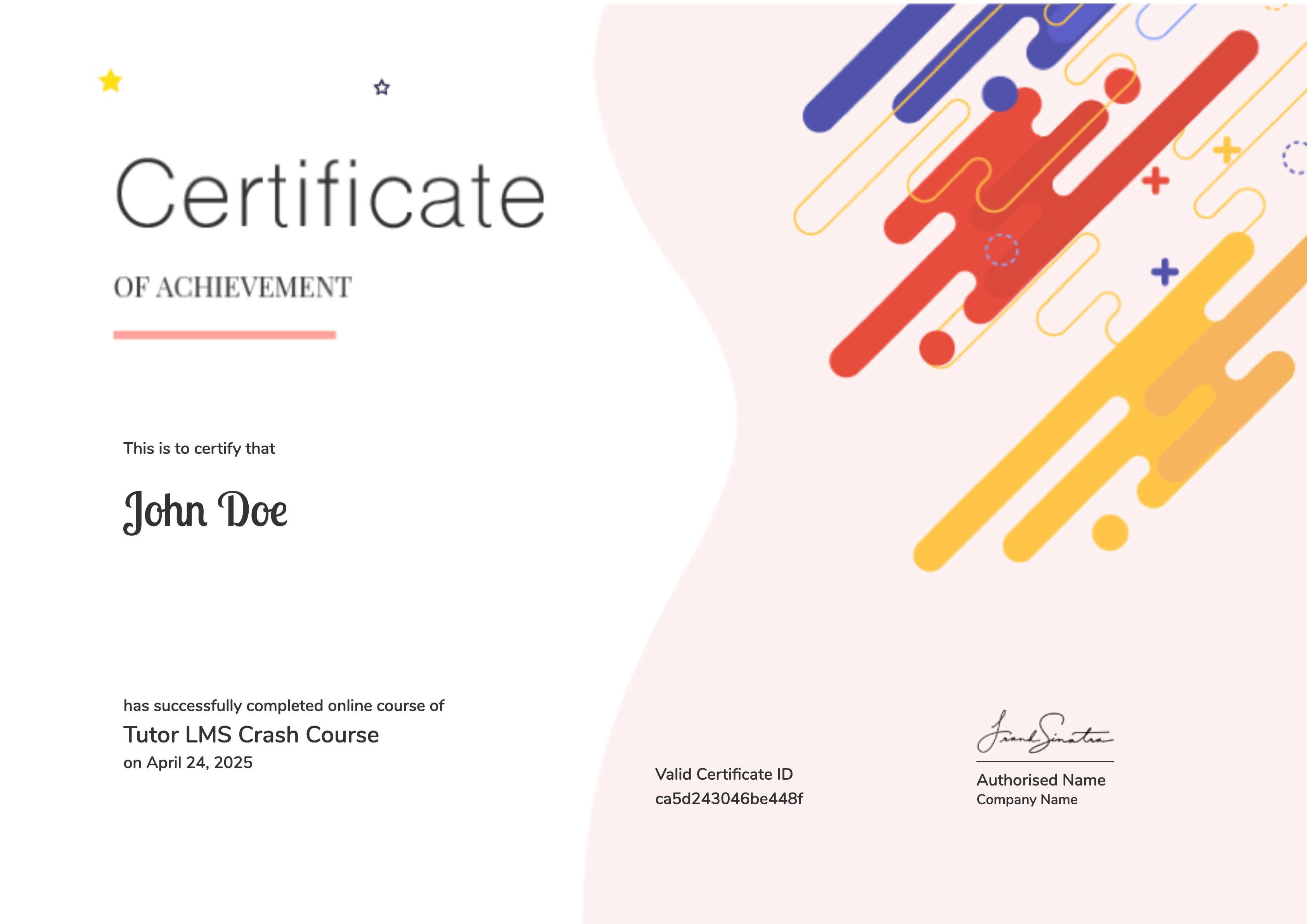
selected template

Student Ratings & Reviews

No Review Yet
No Review Yet
Shopping Cart