
WPForms Mastery: From Basic to Boss

Wishlist Share

About Course

Take your website forms to the next level! In this free, beginner-to-intermediate course, you’ll learn how to build powerful, functional, and beautifully styled forms using WPForms.

We’ll guide you through every step—from basic setup to advanced features—so you can create smart contact forms, newsletter signups, quote calculators, client intake forms, and more. Whether you’re a blogger, business owner, or designer, this course will help you elevate your site’s user experience and capture the right data the right way.

By the end of this course, you’ll be able to:

  • Create custom forms that match your brand

  • Use conditional logic to guide users

  • Integrate with email platforms like FluentCRM

  • Export form entries for reporting

  • Style for mobile responsiveness

  • Automate notifications and responses

  • And unlock a final certificate after passing the quiz!

🎓 Includes hands-on practice, downloadable worksheets, and quizzes throughout.

Show More

What Will You Learn?

  • How to build contact forms, intake forms, and feedback forms using WPForms
  • Best practices for form styling, responsiveness, and mobile optimization
  • Integrating forms with email tools like FluentCRM and Mailchimp
  • Adding smart functionality like conditional logic and dynamic fields
  • Protecting your forms with spam filters and secure submission tools
  • Managing entries, exporting form data, and improving form performance
  • Troubleshooting issues with delivery, styling, or plugin conflicts

Course Content

🟦 Module 1: Form Strategy + Setup Basics
In this module, you’ll learn why forms are essential and explore the WPForms builder so you can confidently start creating.

  • 📍 Lesson 1.1 – Why Forms Matter (Beyond Just Contact Pages)
    00:41
  • Why Forms Matter – Lesson 1.1 Quiz
  • 📍 Lesson 1.2 – WPForms Setup & Dashboard Tour
    00:30
  • WPForms Setup & Dashboard Tour – Lesson 1.2 Quiz

📘 Module 2 Overview: Build the Core
Students will go beyond basic setup and begin creating real, usable forms — starting with smart contact forms and moving into newsletter signups, intake forms, and feedback collection. They’ll apply drag-and-drop tools, conditional logic, notifications, and layout controls to build fully functional, interactive forms.

📘 MODULE 3: Forms for Function + Engagement
In this module, students will learn to create forms that drive interaction and engagement — from RSVP and booking forms to real-time quotes and embedded forms across a website. These tools will help streamline communication, increase conversions, and provide a smooth user experience.

📘 MODULE 4: Styling, Automation & Optimization
This module teaches students how to customize the user experience, automate form communication, and manage entries efficiently.

🎓 MODULE 5: Final Check & Certification
This quiz will test your overall understanding of WPForms, including smart form building, email integrations, design optimization, and user experience. You must score 80% or higher to pass.

🎁 MODULE 6: Smart Features & Best Practices
Take your forms from functional to phenomenal. This bonus module teaches you how to personalize forms using smart tags, improve protection against spam, and solve common issues like email delivery failure. Perfect for leveling up your professional form skills.

Earn a certificate

Add this certificate to your resume to demonstrate your skills & increase your chances of getting noticed.
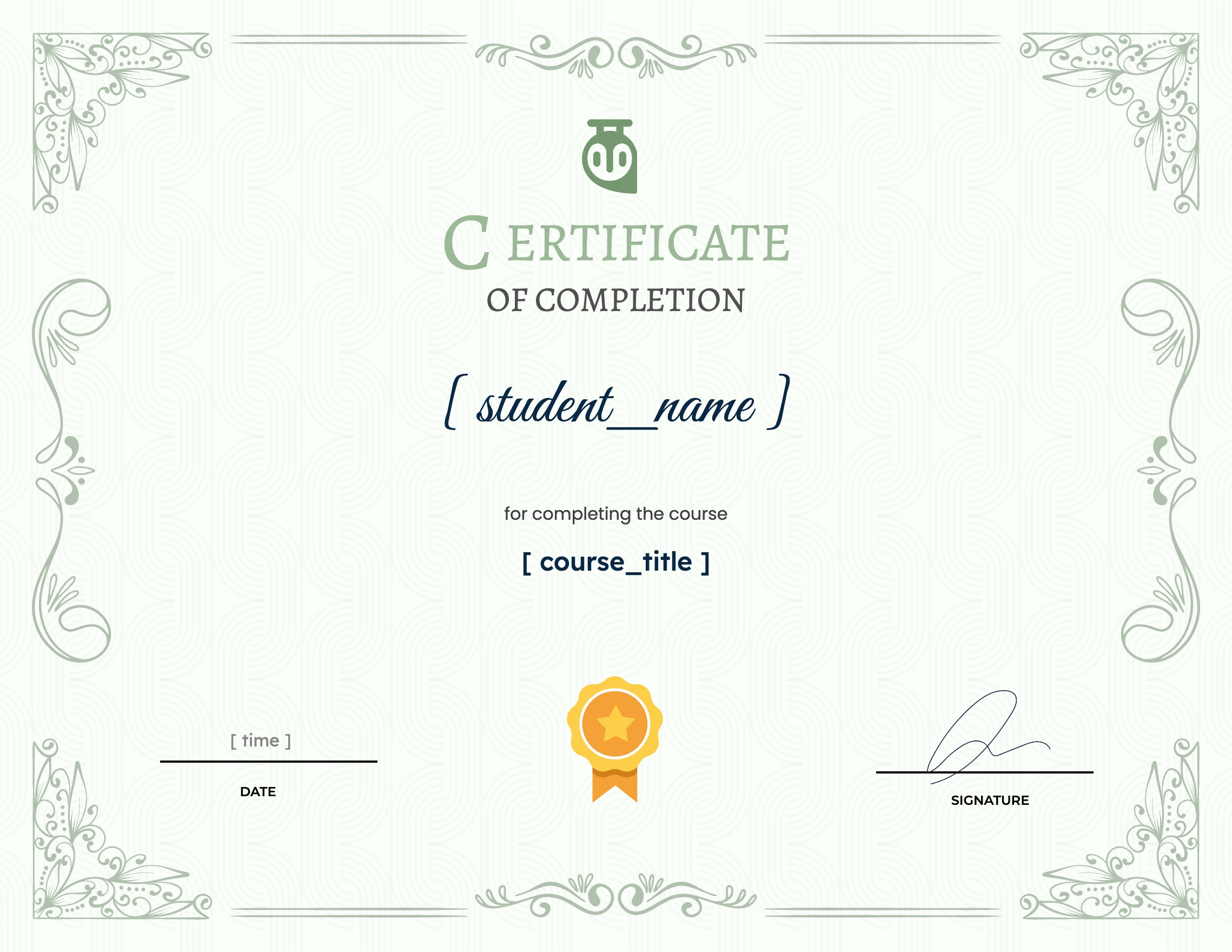
selected template

Student Ratings & Reviews

No Review Yet
No Review Yet
Shopping Cart