Branding with Canva – Create Stunning Logos in Canva

By Tiana West Categories: Website Tools
Wishlist Share

About Course

Ready to design your own logo without hiring a pro? In this free beginner-friendly course, you’ll learn how to create a stunning, professional-looking logo using Canva’s free design tools—even if you’ve never designed anything before!

This course is perfect for small business owners, aspiring designers, or anyone ready to take control of their visual brand. You’ll discover logo principles, color psychology, font pairing, and how to build and export a clean, beautiful logo in Canva.

🖥️ What You’ll Learn:

  • The 5 secrets to a powerful logo

  • Canva tips & tools for beginners

  • Step-by-step logo creation walkthrough

  • Exporting your logo for web & social media

  • Bonus: How to test your logo in real-world scenarios

🎯 Tools Required: Just a free Canva account.

Enroll today and let’s build your brand—one logo at a time.

Show More

What Will You Learn?

  • • Create professional-looking logos using Canva
  • • Understand the principles of logo design
  • • Learn how to use Canva tools for branding
  • • Design and export logos in multiple formats
  • • Build confidence in your creative skills

Course Content

Module 1: Welcome & Getting Set Up
Start your logo design journey by meeting your instructor and getting everything ready to begin. You’ll create your free Canva account and discover what’s ahead.

  • 🎓 Lesson 1.1 – Welcome to the Course
    00:32
  • 🎓 Lesson 1.2 – What You’ll Learn (and Why It Matters)
    00:15
  • 🎓 Lesson 1.3 – Tools You’ll Need + Canva Account Setup
    00:18
  • Module 1: Welcome + What You’ll Learn Quiz

Module 2: Branding Basics with Canva
Help students understand and create a consistent visual brand using Canva's tools and templates.

Module 3: Setting Up Your Canva Workspace
This module helps students become comfortable using Canva’s platform before delving into the creative aspects of logo design. They'll set up an account, explore the dashboard, and prepare their first blank canvas.

Module 4: Designing Your Logo in Canva
Now it’s time to bring your vision to life. In this module, you’ll choose your brand colors, experiment with typography, add design elements, and begin building your logo step by step using Canva’s drag-and-drop tools. No design skills needed — we’ll guide you the entire way.

Module 5: Finalizing and Downloading Your Logo
In this final module, you'll preview your finished logo in different formats, test how it looks across platforms, and download it in the right file types for web and print. By the end, you'll know exactly where and how to use your logo to build a strong, consistent brand.

Module 6: Wrap Up + Resources
Wrap up your Canva logo journey with confidence. In this final module, you’ll review what you’ve learned, download bonus resources, and discover how to start using your logo across your brand. Let’s celebrate your progress and explore what’s next!

Final Course Quiz – Branding with Canva
This final quiz covers everything you’ve learned in all 5 modules of the Branding with Canva course. Test your knowledge on Canva tools, logo design best practices, branding basics, file formats, and more. A passing score will confirm you’re ready to apply your skills to create professional, consistent brand designs.

Earn a certificate

Add this certificate to your resume to demonstrate your skills & increase your chances of getting noticed.
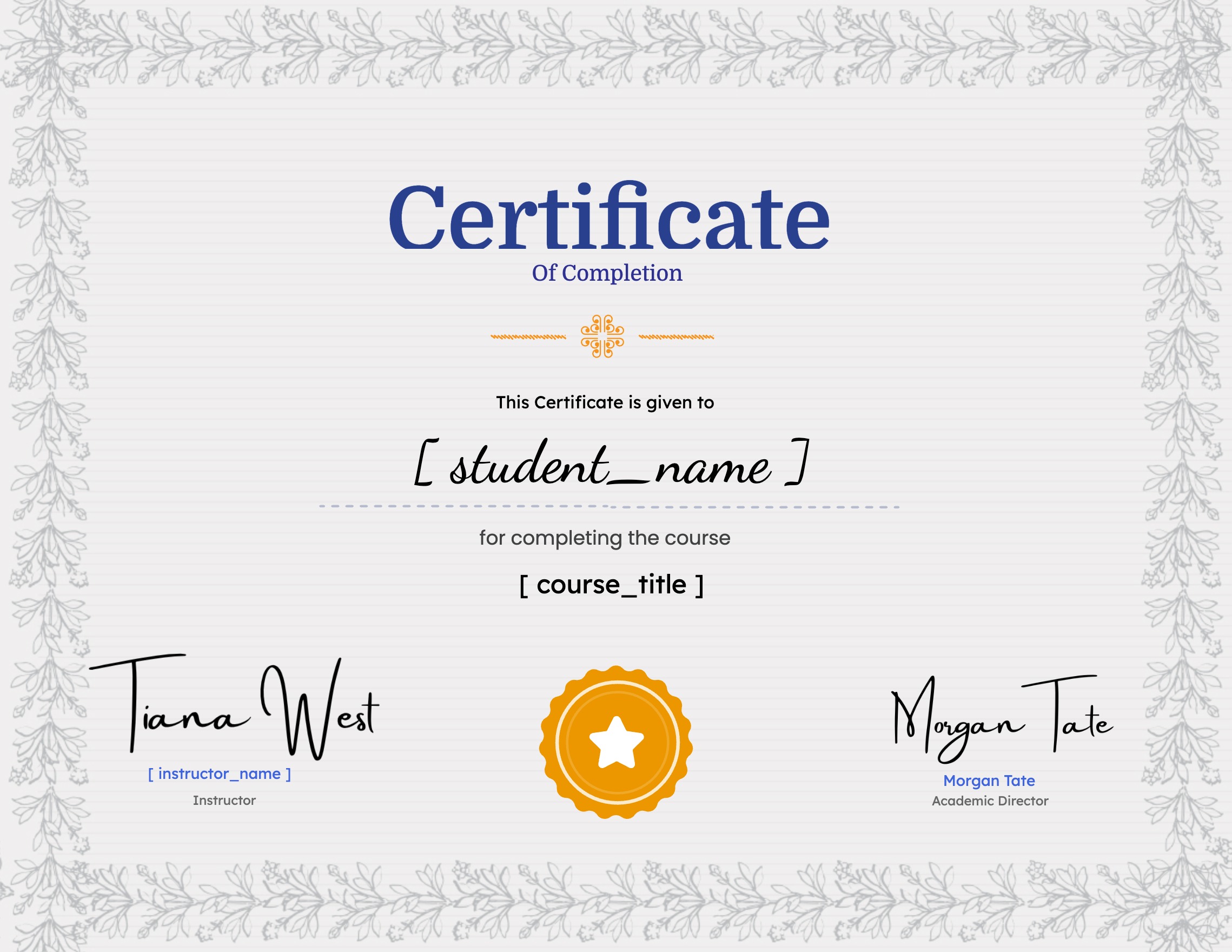
selected template

Student Ratings & Reviews

No Review Yet
No Review Yet
Shopping Cart