
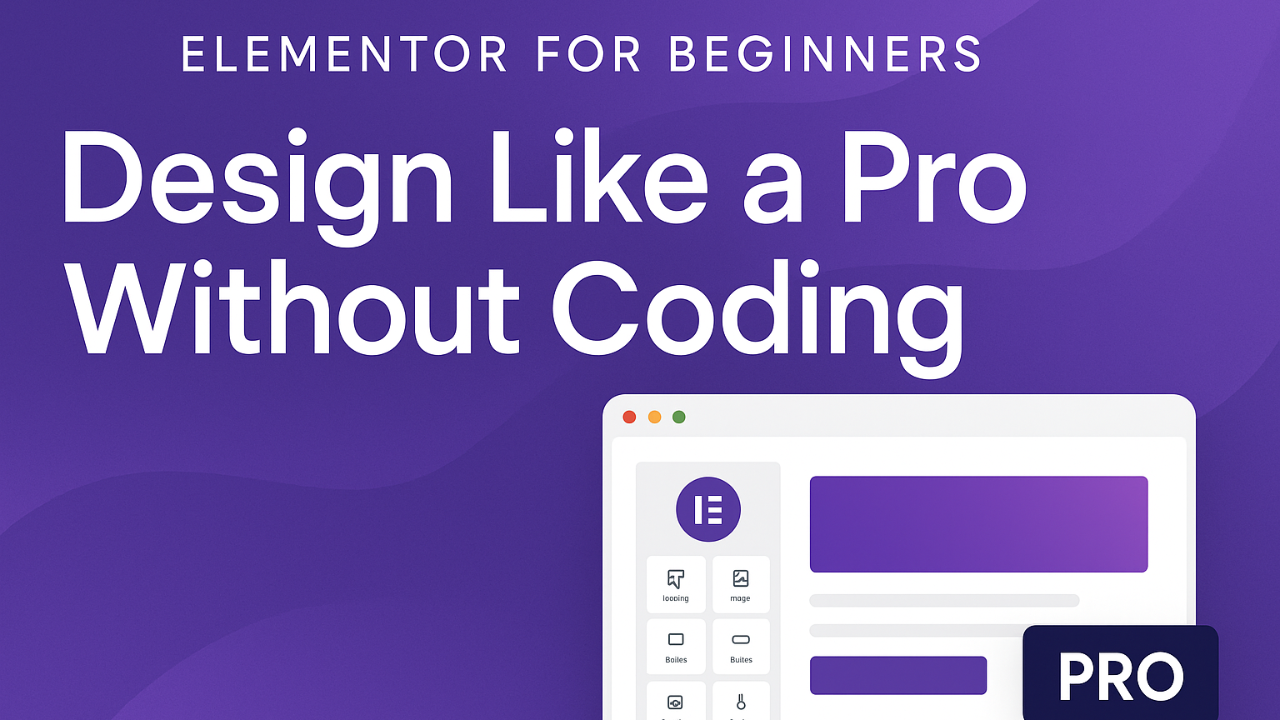
Elementor for Beginners: Design Like a Pro Without Coding

About Course
Learn how to design stunning, professional WordPress websites using Elementor — without writing a single line of code!
This course takes you step by step through the Elementor interface, essential widgets, layout design, templates, and advanced tricks.
By the end of this course, you’ll be able to:
-
Build fully customized websites visually with drag-and-drop.
-
Use templates and global styles to save time.
-
Create mobile-friendly, responsive designs.
-
Add advanced features like animations, headers, and popups.
-
Launch a complete website that looks like it was built by a pro.
💡 Perfect for beginners, bloggers, entrepreneurs, or anyone ready to take control of their website design.
Course Content
🎓 Module 1: Introduction to Elementor
-
📘 Lesson 1.1 – What is Elementor & Why Use It?
00:47 -
📘 Lesson 1.2 – Installing and Activating Elementor
01:15 -
📘 Lesson 1.3 – Overview of Elementor Dashboard & Widgets
01:15 -
Module 1 Quiz – Introduction to Elementor
🎓 Module 2: Building Your First Page with Elementor
🎓 Module 3: Designing with Widgets
🎓 Module 4: Building a Complete Page
🎓 Module 5: Advanced Elementor Widgets
🎓 Module 6: Advanced Layouts & Motion Effects
🎓 Module 7: Build a Complete Website Project
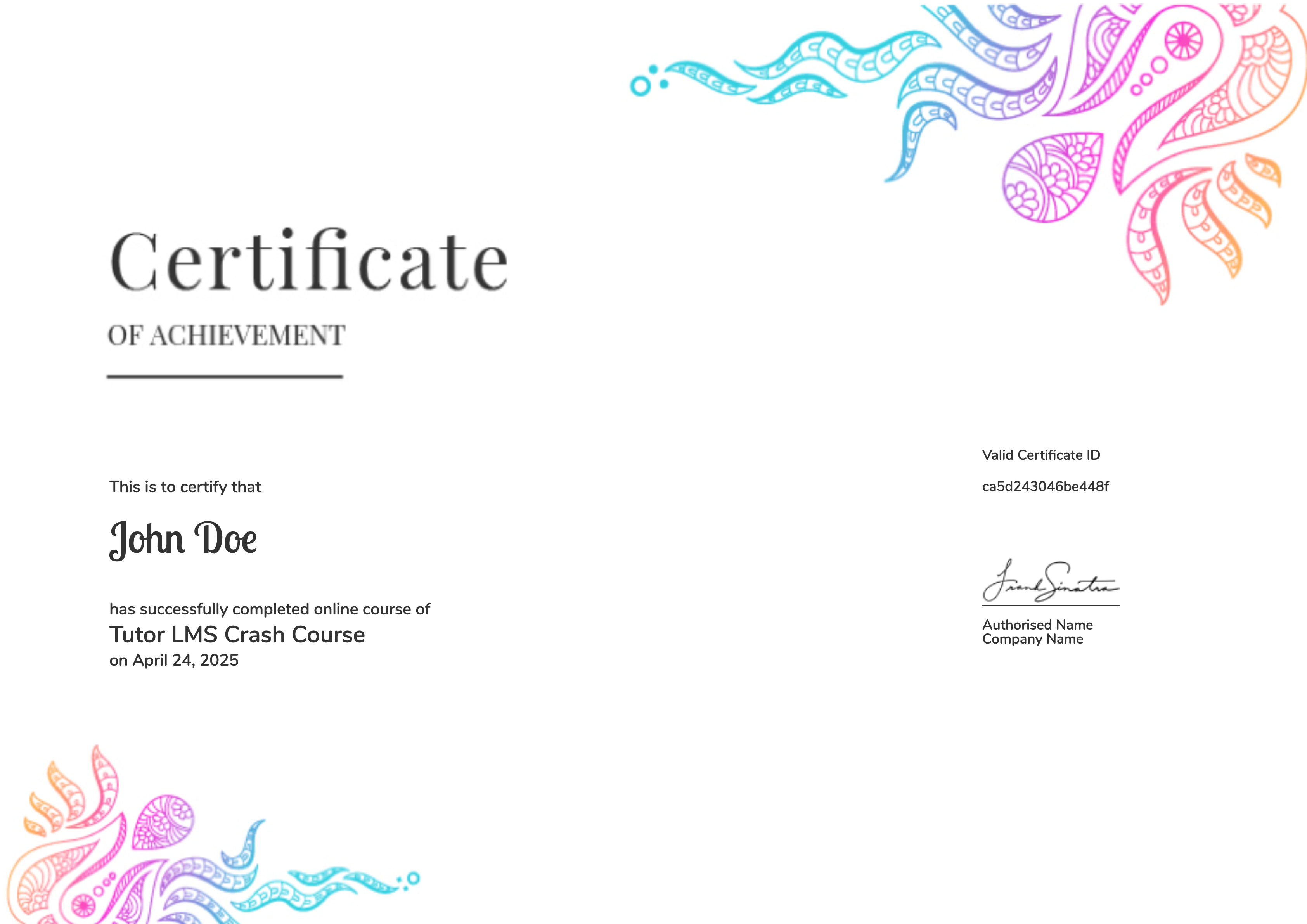
Earn a certificate
Add this certificate to your resume to demonstrate your skills & increase your chances of getting noticed.
Student Ratings & Reviews