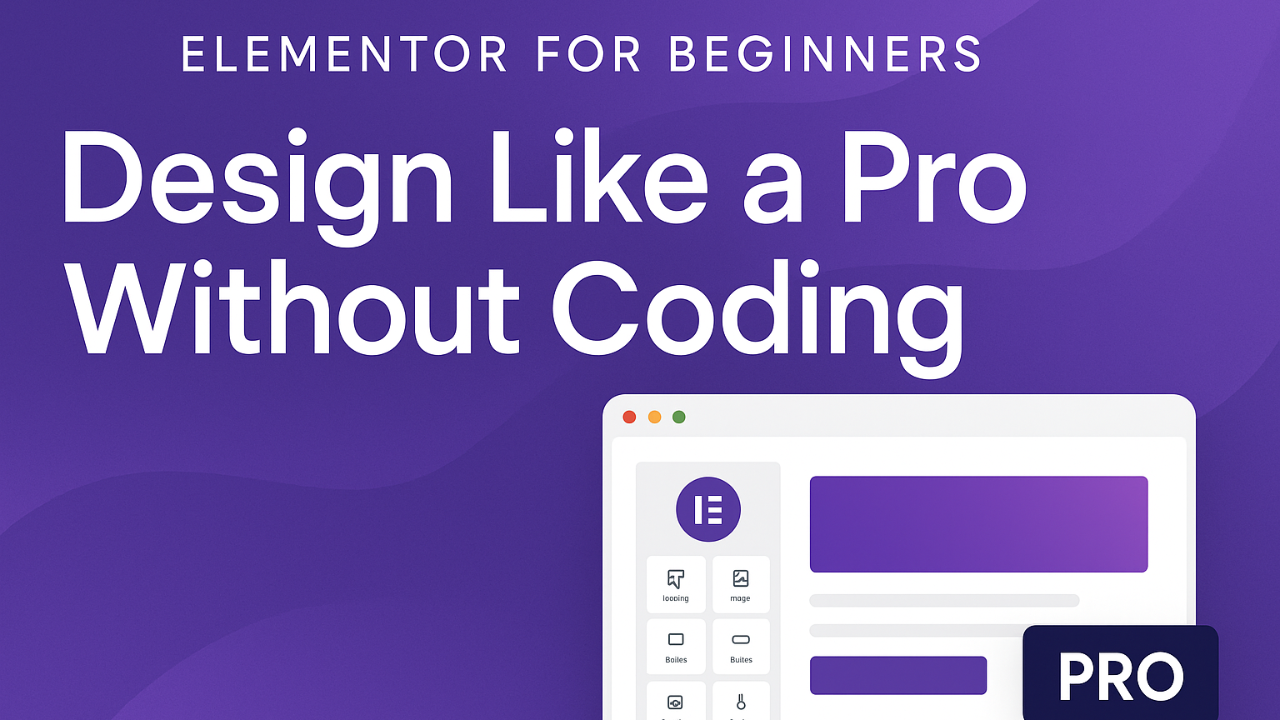
Elementor for Beginners: Design Like a Pro Without Coding

Wishlist Share

About Course

Learn how to design stunning, professional WordPress websites using Elementor — without writing a single line of code!
This course takes you step by step through the Elementor interface, essential widgets, layout design, templates, and advanced tricks.

By the end of this course, you’ll be able to:

  • Build fully customized websites visually with drag-and-drop.

  • Use templates and global styles to save time.

  • Create mobile-friendly, responsive designs.

  • Add advanced features like animations, headers, and popups.

  • Launch a complete website that looks like it was built by a pro.

💡 Perfect for beginners, bloggers, entrepreneurs, or anyone ready to take control of their website design.

Show More

Course Content

🎓 Module 1: Introduction to Elementor
In this module, you’ll get an overview of Elementor, why it’s so powerful, how to install both the free and Pro versions, and a walkthrough of the dashboard and widgets.

  • 📘 Lesson 1.1 – What is Elementor & Why Use It?
    00:47
  • 📘 Lesson 1.2 – Installing and Activating Elementor
    01:15
  • 📘 Lesson 1.3 – Overview of Elementor Dashboard & Widgets
    01:15
  • Module 1 Quiz – Introduction to Elementor

🎓 Module 2: Building Your First Page with Elementor
In this module, you’ll take your first steps in actually building a web page with Elementor. You’ll learn how to create a new page, structure it using sections and columns, and add widgets like text, images, and buttons. Finally, you’ll practice saving and publishing your work so your page is live. By the end of this module, you’ll have built your very first page in Elementor and gained the confidence to start designing more pages on your own.

🎓 Module 3: Designing with Widgets
In this module, you’ll learn how to use Elementor’s most popular widgets to design your pages. Widgets are the building blocks of every section in Elementor — things like text, images, buttons, forms, and icons. We’ll start with the basics, like adding and styling text, uploading images, and creating buttons that link to other pages. Next, we’ll move into interactive elements, such as contact forms, social media links, and icons. Finally, you’ll explore Elementor’s styling options, where you can adjust spacing, backgrounds, and hover effects to make your design look polished and professional. By the end of this module, you’ll know how to bring your page to life using Elementor widgets, making it both functional and visually appealing — even if you’ve never built a website before.

🎓 Module 4: Building a Complete Page
In this module, you’ll bring everything you’ve learned together and create a full page using Elementor. We’ll start by planning your page layout, then add content like text, images, and buttons. You’ll also learn how to style your page with colors, backgrounds, and spacing so it looks professional. Finally, you’ll save, preview, and publish your work to make it live. By the end of this module, you’ll have built your first complete web page in Elementor and know how to repeat the process for other pages on your website.By the end of this module, you’ll have built your first complete web page in Elementor and know how to repeat the process for other pages on your website.

🎓 Module 5: Advanced Elementor Widgets
In this module, you’ll explore Elementor’s more advanced widgets — the ones that add polish, interactivity, and real “wow” factor to your designs. You’ll learn how to build image galleries and carousels, create trust with testimonials and reviews, add countdowns and progress bars for urgency, and organize content neatly with tabs and accordions. By the end of this module, you’ll know how to use these widgets to take your website from simple to professional. You’ll also see how ChatGPT at chat.openai.com can help you brainstorm testimonial copy, write engaging captions for galleries, or come up with creative ideas for your countdown messages.

🎓 Module 6: Advanced Layouts & Motion Effects
In this module, you’ll learn how to create flexible layouts and add engaging motion effects in Elementor. You’ll start by using Inner Sections and Columns for better structure, then explore Containers (Flexbox) to build responsive designs. Next, you’ll add motion effects and entrance animations like fade and zoom to make pages interactive, and finish by creating sticky headers or elements that stay visible while scrolling. By the end, you’ll be able to design pages that look professional, responsive, and dynamic on any device.

🎓 Module 7: Build a Complete Website Project
In this module, you’ll take everything you’ve learned about Elementor and practice by building sample pages. Think of this as a hands-on exercise — not a full website build, just a way to pull the basics together. You’ll design a Home page, About page, and Services/Blog page, then finish by polishing details like navigation, spacing, and responsiveness. This practice project will help you feel more confident using Elementor on real layouts. 💡 Note: This module is meant for practice only. If you want a step-by-step course to build a complete website from start to finish, check out the Site-in-6 Bootcamp — designed specifically for that purpose.

Earn a certificate

Add this certificate to your resume to demonstrate your skills & increase your chances of getting noticed.
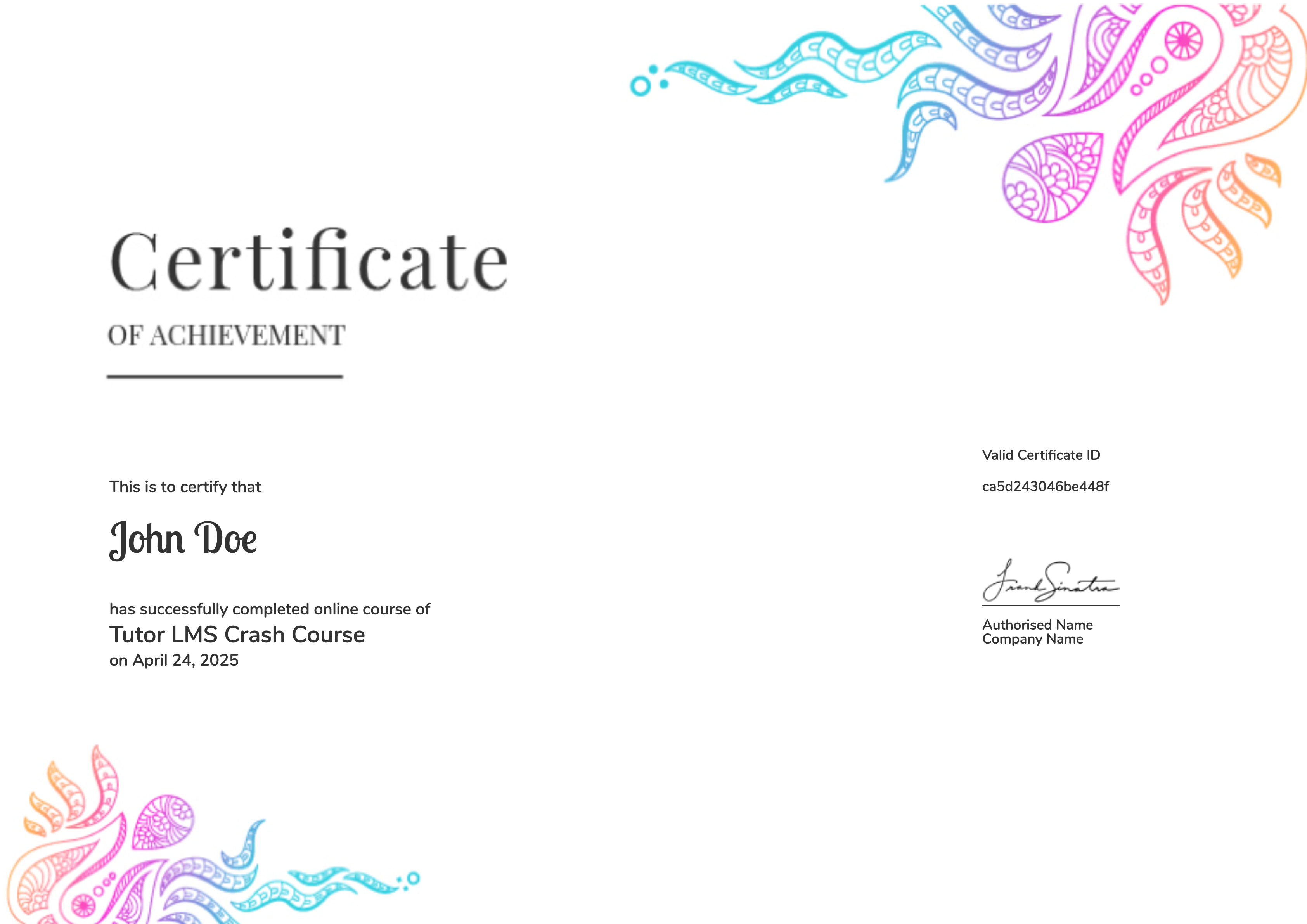
selected template

Student Ratings & Reviews

No Review Yet
No Review Yet
Shopping Cart