
How to Install WordPress Locally (Practice Without Hosting)

By Cynnamon Brown
Categories: Website Tools
About Course
Learn step-by-step how to install WordPress on your own computer without paying for hosting. In this free course, you’ll practice using LocalWP, XAMPP, or MAMP to create a safe space for building and testing websites. Perfect for beginners who want to learn without the pressure of going live!
By the end of this course, you’ll:
-
✅ Understand what “local installation” means
-
✅ Install WordPress using LocalWP, XAMPP, or MAMP
-
✅ Practice designing and editing a site without a hosting plan
-
✅ Feel confident before launching your real website
Course Content
Topic 1: Getting Started with Local WordPress
-
📘 Lesson 1: What Does “Installing WordPress Locally” Mean?
00:38 -
📘 Lesson 2: Installing WordPress with LocalWP
01:03 -
📘 Lesson 3: Exploring Alternatives – XAMPP & MAMP
00:46 -
📝 Final Quiz – How to Install WordPress Locally
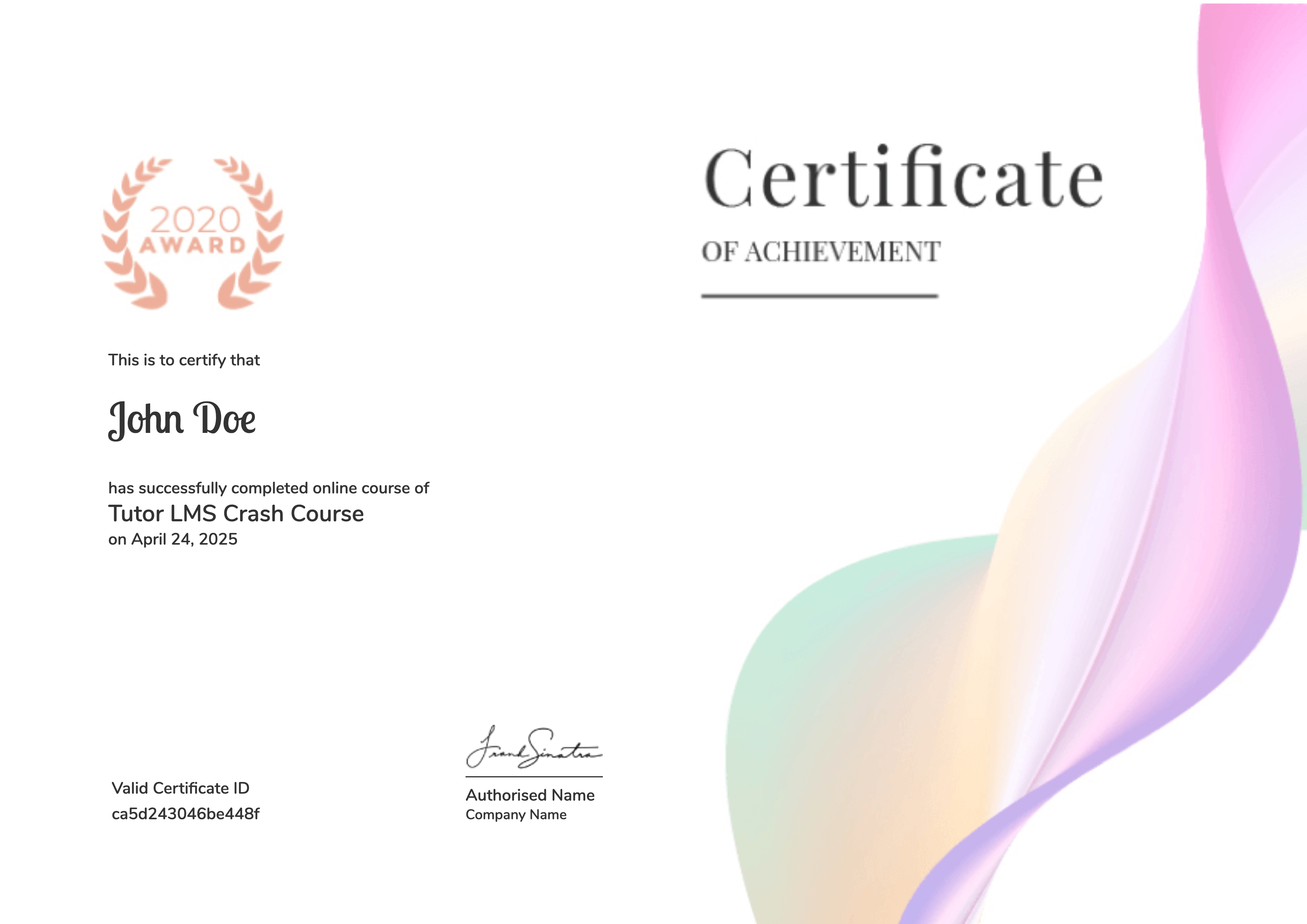
Earn a certificate
Add this certificate to your resume to demonstrate your skills & increase your chances of getting noticed.
Student Ratings & Reviews

No Review Yet